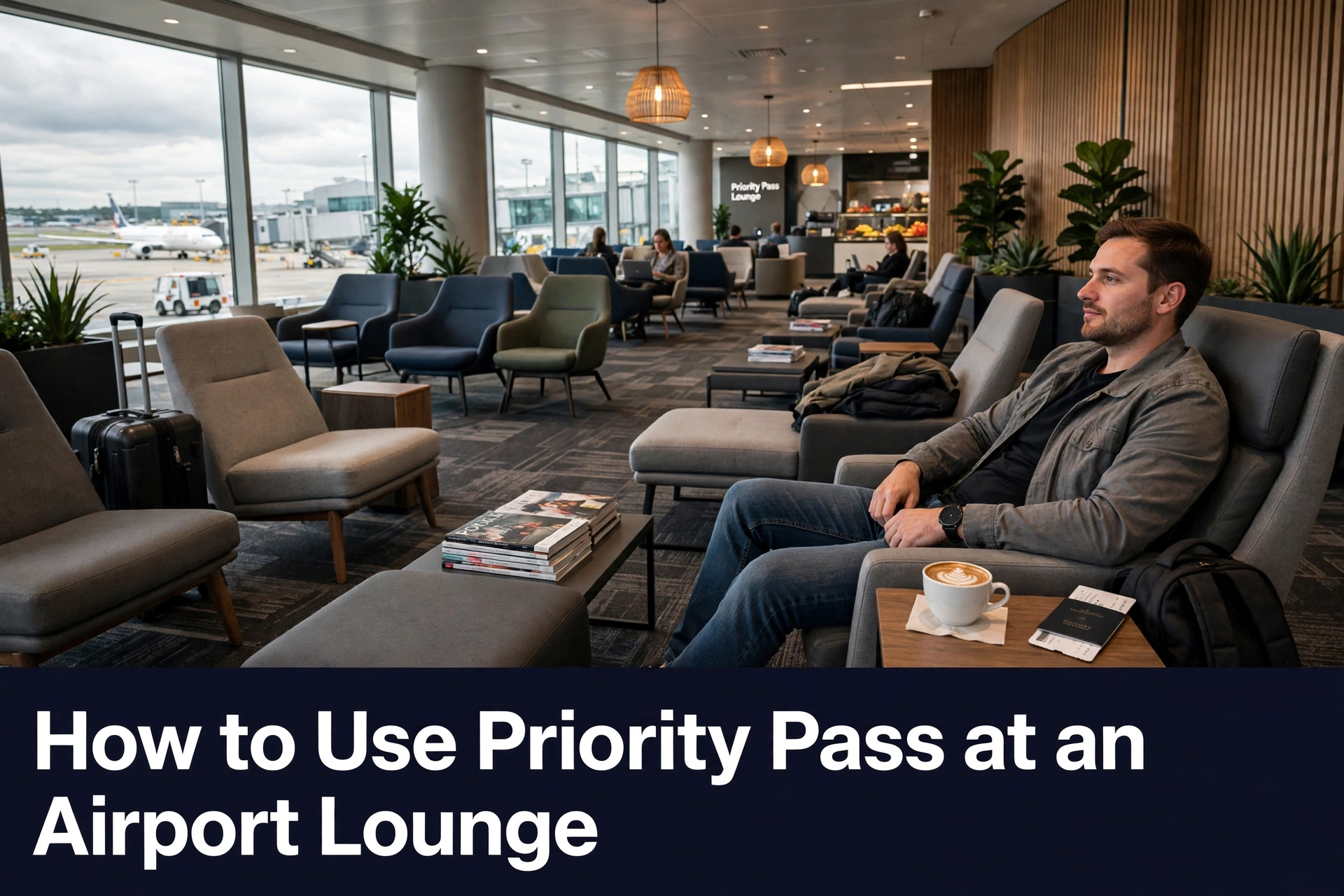
You can use Priority Pass at an airport lounge using your digital membership card, a physical card, or an eligible bank-issued payment card, depending on your benefits and the lounge’s entry requirements.
Using Priority Pass membership at an airport lounge is simple when you know which entry method your membership plan supports.
Depending on your membership, you may be able to access a lounge using the Priority Pass app, a physical Priority Pass membership card, or an eligible bank-issued payment card.
Before traveling, check your chosen lounge’s listing on the Priority Pass website or app. This helps you confirm the accepted entry methods and whether you can book your visit in advance.
Getting Into a Priority Pass Lounge
Priority Pass offers three simple ways to access participating airport lounges:
- Digital Membership Card in the Priority Pass app
- Physical Priority Pass Membership card
- Eligible bank-issued payment card
The option available to you depends on how you joined the Priority Pass program and the entry methods accepted by your chosen lounge.
Before you visit a Priority Pass location, search for the lounge on the Priority Pass website or app. Check its listing to confirm which forms of entry are accepted.
This is particularly important if you plan to use a bank-issued payment card rather than your digital or physical membership card.
Checking in advance helps you prepare the correct credentials and enjoy smoother access to a lounge.
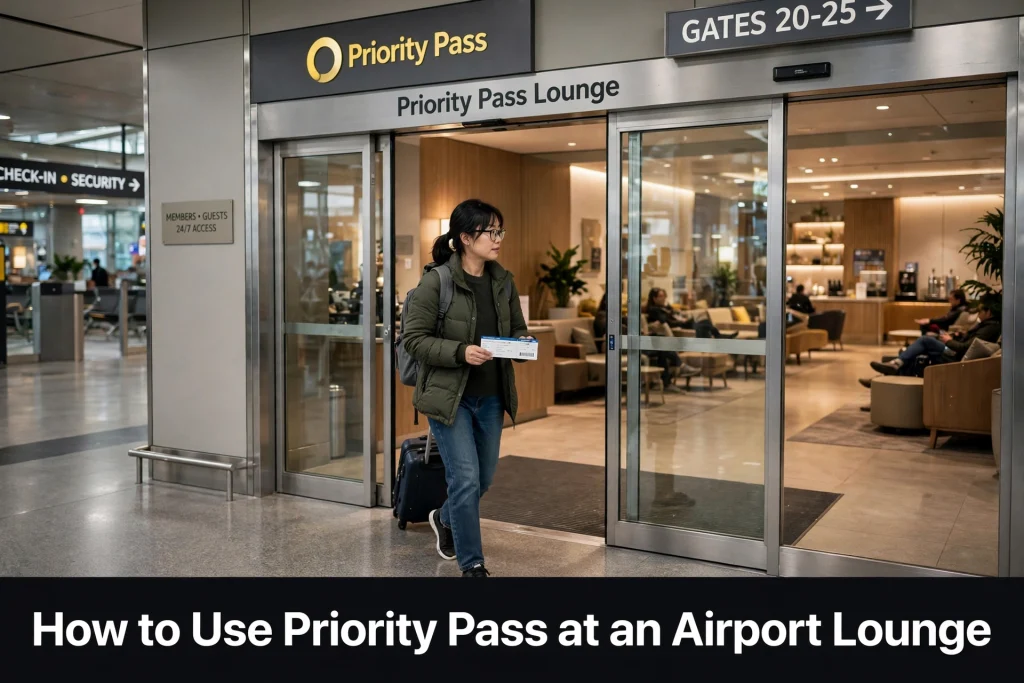
Pre-Book Your Airport Lounge
Some Priority Pass lounges allow members to book their visit in advance. Where this option is available, pre-booking can help you plan a better airport experience and secure entry according to the lounge’s booking conditions.
To check whether you can pre-book lounge access:
- Search for your preferred airport lounge on the Priority Pass website or app
- Open the individual lounge listing
- Look for the pre-booking option
- Review the booking conditions before confirming your reservation
Remember that pre-booking is not available at every lounge, so check the listing of airport lounges before making travel arrangements.
If your preferred lounge does not offer advance reservations, review its access information before arriving at the airport.
Accessing an Airport Lounge with Priority Pass
Priority Pass members can access participating airport lounges to rest before their flight using one of the following three methods.
1. Digital Membership Cards
A Digital Membership Card is a convenient way to access participating Priority Pass lounges. Once you have registered your membership, you can access your digital card through the Priority Pass app.
Important point: The Digital Membership Card is not available for all Priority Pass members.
How to Access Your Digital Membership Card
Follow these steps:
- Register your Priority Pass membership
- Download the Priority Pass app
- Sign in to your account
- Navigate to the card section to access your Digital Membership Card
Priority Pass recommends using the digital membership card because it is accepted by almost all lounges in its network.
However, check the facilities section of your chosen lounge’s listing to confirm acceptance before travelling.
Having your digital card ready in the app means there is no worry if you do not have a separate physical membership card with you when visiting a lounge that accepts digital entry.
2. Physical Priority Pass Membership Cards
You can also use a physical Priority Pass Membership card at Priority Pass lounges that accept it.
If you join the Priority Pass membership directly, your card is typically sent within approximately three working days.
However, the card delivery depends on your location. If you receive your membership through a payment card issuer, delivery times may vary.
If you plan to travel soon, order your physical card well in advance to allow enough time for delivery.
What If You Lose Your Physical Card?
If your membership card is lost and you need a replacement, contact the Priority Pass Membership Services Team for assistance.
You can also continue to access your Digital Membership Card through the Priority Pass app, provided your membership supports digital access, and the lounge accepts it.
Checking your available entry options before travelling can help you avoid relying on a physical card that has not arrived or is no longer available.
3. Access on Payment Cards
Payment-card access is available exclusively to members who receive Priority Pass membership as a benefit of their payment card.
If your membership includes this feature, you may be able to enter the participating lounges network using the same payment card associated with your membership.
This can make entry more convenient because you have one less card to carry.
How to Check Whether Your Payment Card Is Eligible
Contact your card issuer to confirm whether payment-card access is included in your card benefits.
You should also check your chosen lounge’s listing on the Priority Pass website or app. Not all lounges accept payment cards, so do not assume that your payment card will work at every participating location across the globe.
What If You Receive a Replacement Payment Card?
If you receive a new payment card and experience problems accessing your account or entering a lounge, you may need to update or revalidate your card details in the app.
According to Priority Pass, you can update your payment details using the app by signing in to your account, selecting My Details, and editing your Billing Details. Make sure your account details are up to date before your next visit.
Frequently Asked Questions
How do I use Priority Pass at an airport lounge?
Find a participating lounge, check its accepted entry methods, and prepare your Digital Membership Card, physical membership card, or eligible bank-issued payment card. Follow the lounge’s entry requirements when you arrive.
Can I use Priority Pass without a physical card?
Yes. You can use your Digital Membership Card through the Priority Pass app at lounges that accept digital entry, provided your membership supports it.
Can I enter a Priority Pass lounge with my credit card?
You may be able to access a lounge if your Priority Pass membership is provided through an eligible payment card and the lounge accepts payment-card entry. Contact your card issuer to confirm eligibility.
Do all Priority Pass lounges accept digital membership cards?
Priority Pass states that digital membership cards are accepted by almost all lounges in its network. Check the facilities section of the individual lounge listing to confirm.
Can I book a Priority Pass lounge in advance?
Some airport lounges offer pre-booking. Search for your preferred lounge on the Priority Pass website or app and check its listing for availability and booking conditions.
What should I do if my Priority Pass card is lost?
Contact the Priority Pass Membership Services Team to request a replacement physical card. You may also be able to use your digital membership card through the app.
Why is my new payment card not working with Priority Pass?
If your payment card has been replaced, you may need to update or revalidate your payment details in your Priority Pass account. Contact your card issuer if you are unsure whether your membership supports payment-card access.
Can I use Priority Pass if I am flying economy?
Yes. Priority Pass lounge access generally does not depend on whether you are flying economy, premium economy, business, or first class. You must still have an eligible membership, a valid same-day boarding pass, and meet the lounge’s entry conditions.
Final Thoughts
Using Priority Pass at an airport lounge starts with choosing the correct entry method for your membership. You can use a digital membership card, a physical card, or an eligible bank-issued payment card, depending on your benefits and the lounge’s requirements.
Before travelling, check the lounge listing for accepted entry methods and available pre-booking options. Preparing in advance helps you make the most of your Priority Pass membership and enjoy a more convenient airport experience.
Leave a Reply